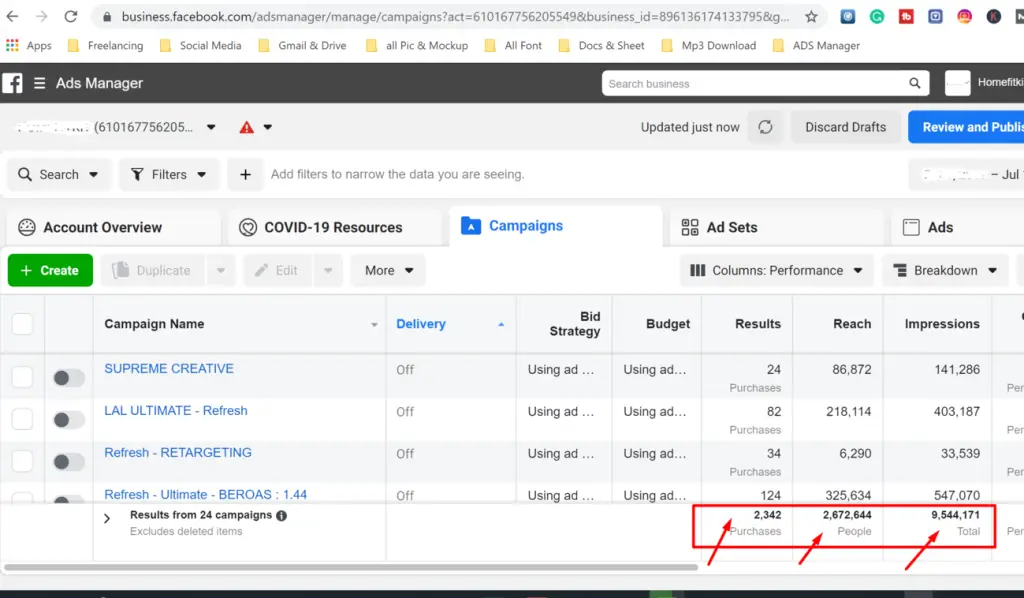
Advertising or ads setup for Digital Marketing how important
1. Define Your Goal and Audience
Goal: Awareness, lead generation, conversions, or engagement?
Audience: Age, gender, interests, location, and pain points.
Tip: Ads perform better when they speak directly to the audience’s needs.
2. Choose the Right Platform
Different platforms have different ad formats and design requirements:
Facebook/Instagram: Square (1080×1080) or vertical (1080×1350) images/videos
LinkedIn: Horizontal (1200×627) for feed, vertical for stories
Google Display Ads: Banner sizes like 300×250, 728×90
TikTok/Reels: Full-screen vertical (1080×1920) videos
Platform-specific design ensures better engagement.
3. Eye-Catching Visuals
High-quality images or videos: Pixelated content is a turn-off.
Bright colors and contrast: Helps your ad stand out in a crowded feed.
Branding: Logo or brand colors to maintain recognition.
Focus on one main subject: Avoid clutter.
4. Strong Headline & Copy
Short & Clear: People scroll fast; make your message quick to read.
Use power words: “Free,” “Limited Time,” “Exclusive,” etc.
Benefit-focused: Show how your product/service solves a problem.
CTA (Call-to-Action): Examples: “Shop Now,” “Learn More,” “Get Started.”
5. Design Principles to Follow
Hierarchy: Important info should be larger or more prominent.
Balance: Keep visuals and text balanced; don’t overcrowd.
Consistency: Stick to brand fonts and colors.
Whitespace: Gives your ad breathing room and improves readability.
6. Use Templates & Tools
Canva, Adobe Express, Figma: Easy drag-and-drop templates.
Photoshop/Illustrator: For custom, professional designs.
Stock images/videos: Unsplash, Pexels, or Envato Elements.
Tip: Using templates saves time but always customize for your brand.
7. Test and Optimize
A/B Testing: Try different headlines, images, colors, or CTAs.
Analytics: Track CTR, conversions, and engagement.
Iterate: Improve design based on what performs best.